If you have ever designed something in Canva and thought, “This looks good,” you are already closer to making money online than you realize.
Selling Canva templates is one of the simplest ways to create a side income stream right now. You do not need to code. You do not need a big audience. And you definitely do not need to be a professional graphic designer.

I started exploring digital products because I wanted income that did not depend on my time. Canva templates quickly stood out because they are easy to create, scalable, and in high demand.
Businesses, influencers, bloggers, coaches, and small brands all need graphics but most of them do not want to design from scratch.
In this guide, I will show you exactly how to sell Canva templates step by step and turn them into a reliable side income stream.
Why Selling Canva Templates Is a Smart Side Hustle
Before we dive into how, let us talk about why this works.
Digital products like Canva templates have huge advantages:
• No inventory
• No shipping
• No customer fulfillment stress
• Create once and sell repeatedly
• High profit margins
Once you design a template, you can sell it hundreds or even thousands of times.
And the demand is massive.
People search daily for:
• Instagram templates
• Pinterest pin templates
• Business proposal templates
• Media kits
• Ebooks
• Resume templates
• Planner templates
If you position yourself correctly, you can tap into that demand.
Step 1: Choose a Profitable Template Niche
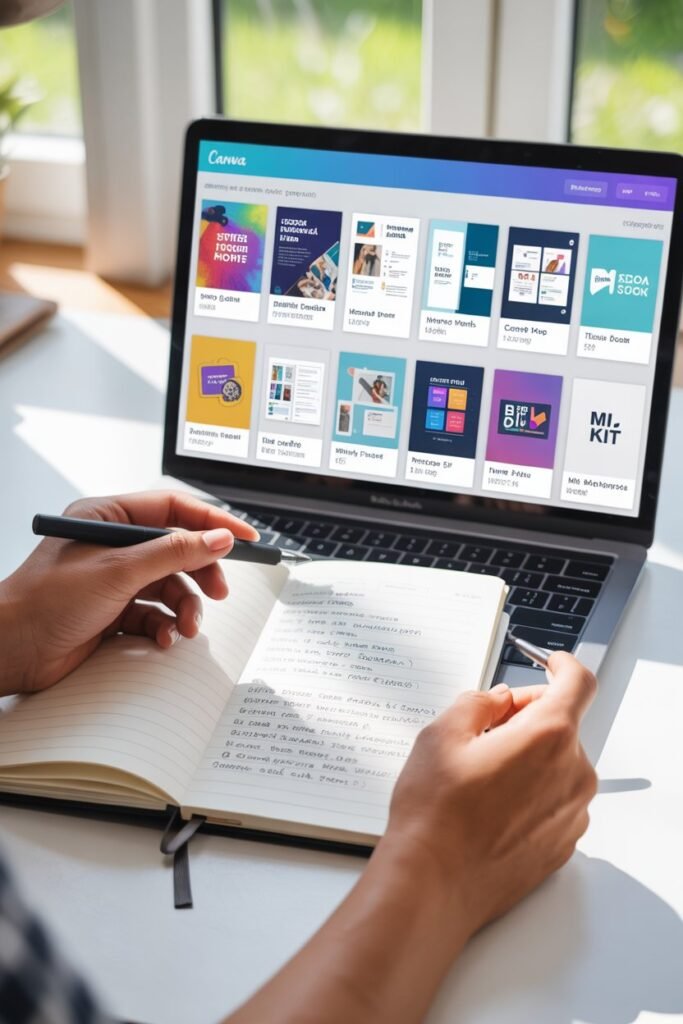
This is where most people get it wrong. They design random things without checking demand.
Instead, focus on one of these high-demand categories:
Social Media Templates
Instagram posts
Instagram carousels
Pinterest pins
YouTube thumbnails
TikTok covers
These are great because content creators constantly need fresh designs.
Business Templates
Invoices
Brand kits
Media kits
Pitch decks
Lead magnets
Workbooks
Small businesses love plug-and-play designs.
Productivity Templates
Digital planners
Habit trackers
Budget planners
Goal-setting worksheets
These work well on Etsy and personal websites.
Tip: Do not try to sell everything at once. Pick one niche and dominate it.
Step 2: Create High-Quality Canva Templates
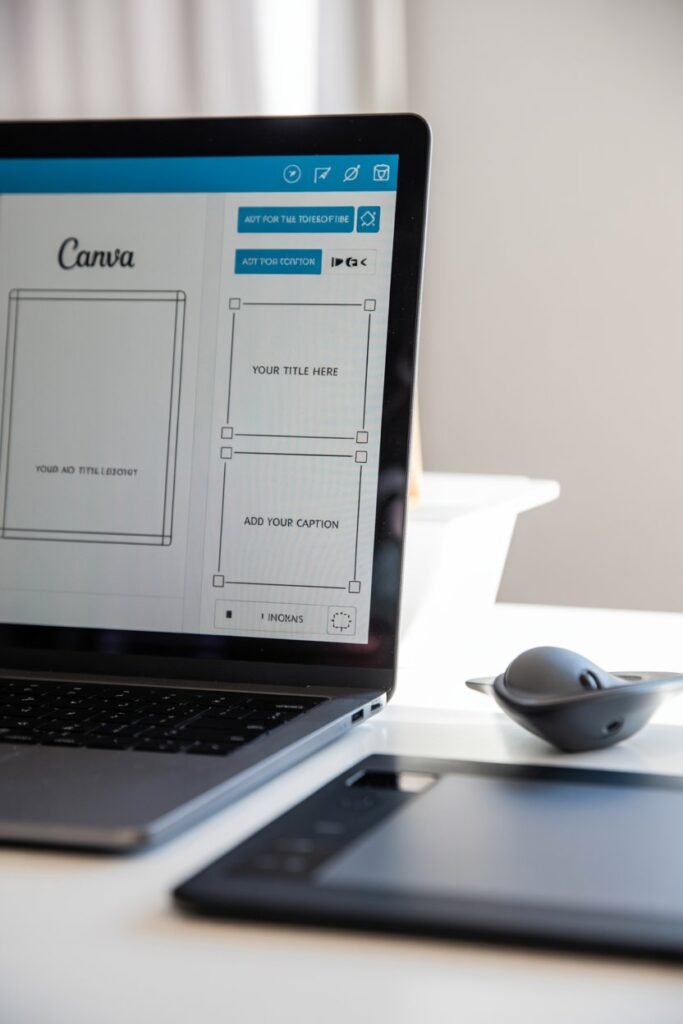
Now let us build.
When creating Canva templates that sell, focus on:
Clean layout
Editable fonts
Neutral color palettes
Clear hierarchy
Easy customization
I always ask myself:
If I bought this, would I understand how to edit it instantly?
Keep things simple. Most buyers are beginners.
Pro Design Tips
• Use 2 to 3 font combinations max
• Leave white space
• Avoid overcrowding
• Use Canva grids for alignment
• Include placeholder text
Quality matters more than quantity.
Step 3: Turn Your Design Into a Sellable Template Link

This part is important.
After designing:
- Click Share
- Select Template Link
- Copy link
- Test it in incognito mode
Make sure it opens as “Use Template” and not “Edit Original.”
Never sell the direct editable file. Always use template link format.
Step 4: Where to Sell Canva Templates
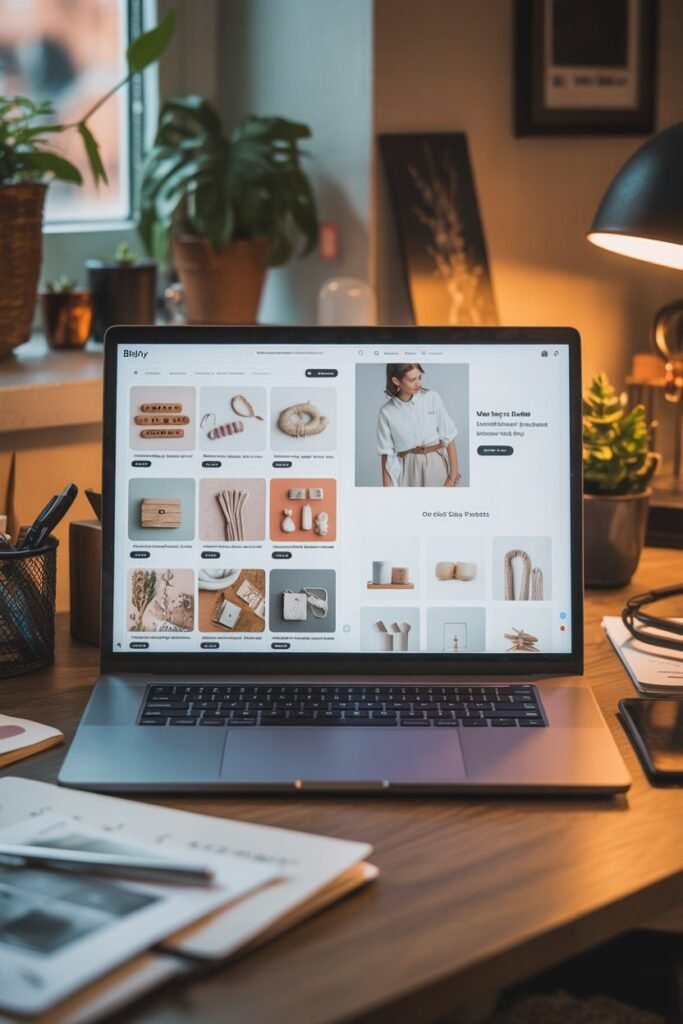
You have multiple options.
1. Etsy
Great for beginners.
Built-in traffic.
Search-based buyers.
Downside: Listing fees and competition.
2. Your Own Website
Using Shopify or WooCommerce gives you control and higher profit margins.
Since you are already comfortable with websites, this could be powerful for you.
3. Gumroad
Simple digital selling platform.
Low setup stress.
4. Creative Market
More competitive but higher pricing potential.
If you are just starting, Etsy + Pinterest traffic works very well.
Step 5: Price Your Canva Templates
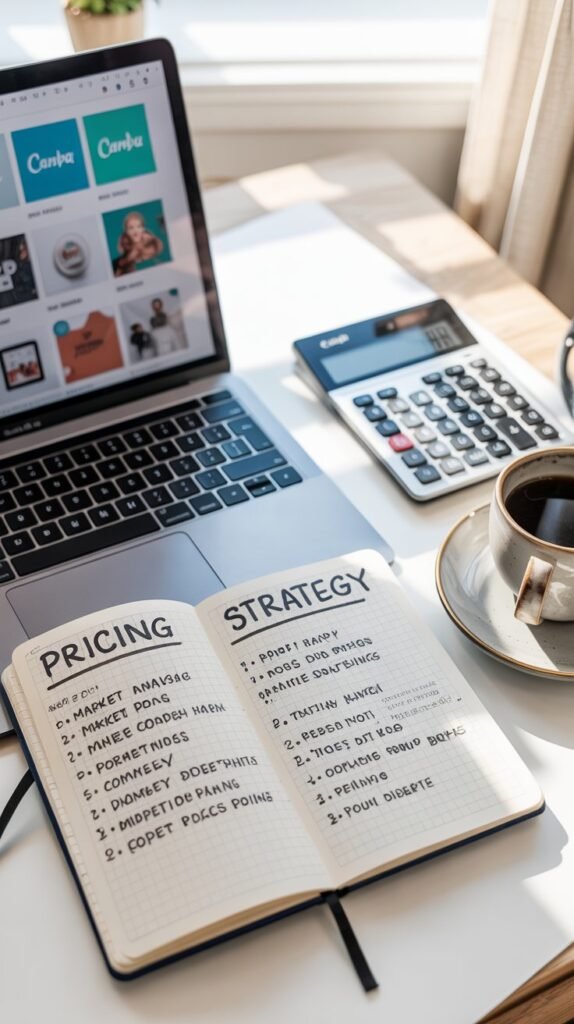
Pricing depends on complexity.
Single Instagram template pack
$7 to $19
Full brand kit
$29 to $79
Business bundle
$49 to $149
Instead of selling one template for $5, create bundles.
Bundles increase perceived value and boost income faster.
Example:
Instead of selling 1 Instagram post template for $7
Sell 30 matching templates for $29
That is smarter positioning.
Step 6: Optimize for SEO
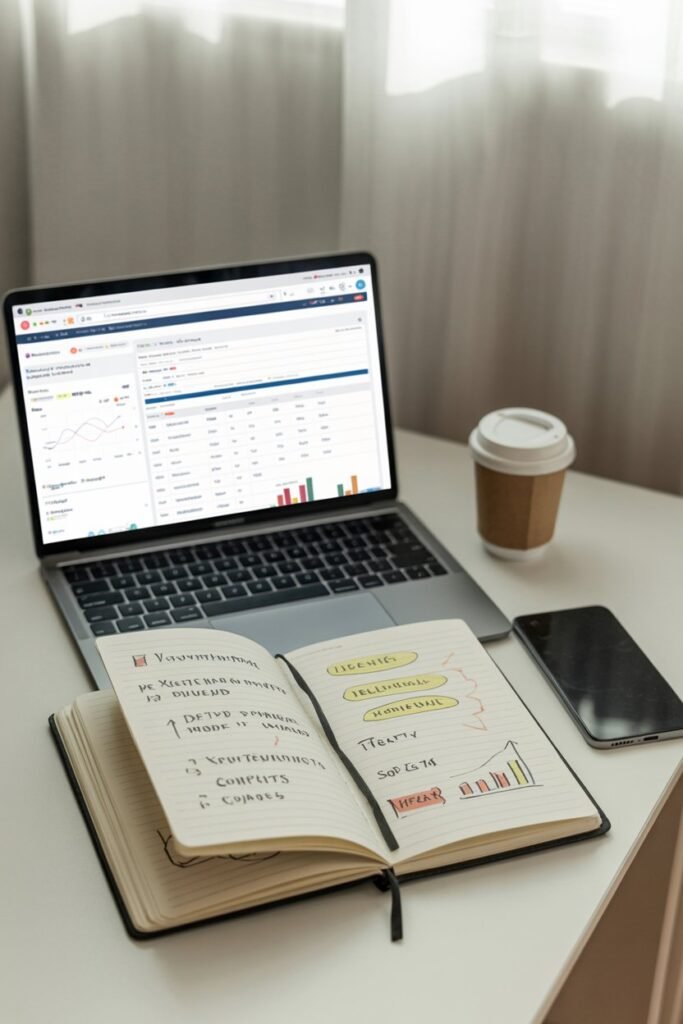
If you want consistent sales, you must optimize for search.
Use keywords like:
Canva Instagram templates
Editable Canva templates
Canva business templates
Social media Canva bundle
Digital planner Canva template
Add keywords to:
Title
Description
Image file name
Alt text
Tags
Search intent matters more than fancy graphics.
Step 7: Drive Traffic With Pinterest
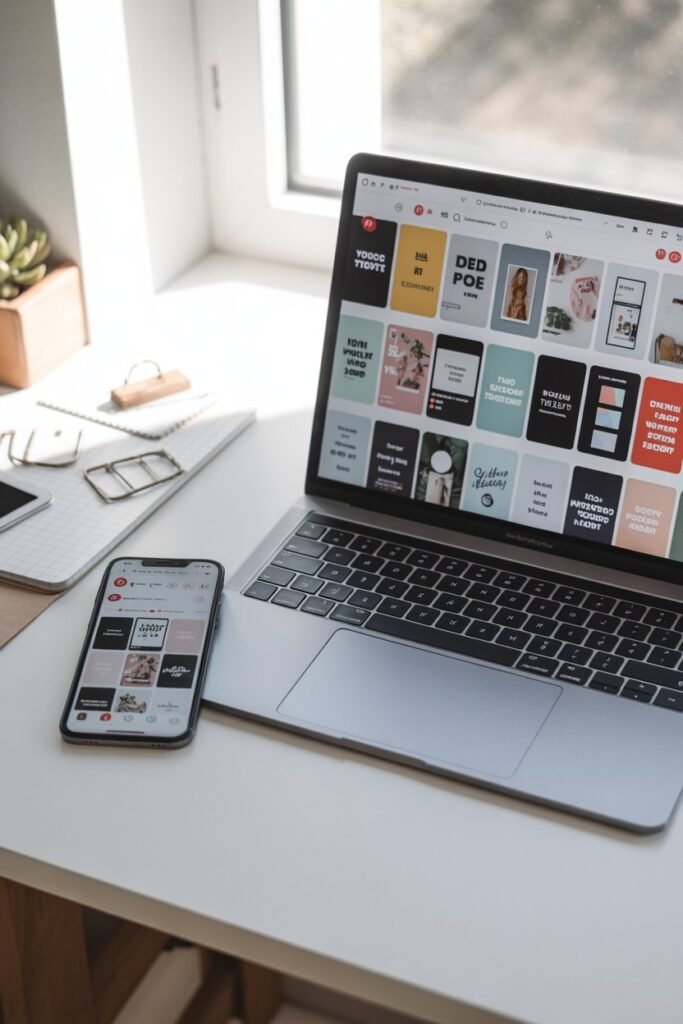
Pinterest is powerful for digital products.
Create vertical pins showing:
Before and after design
Mockups of templates
Carousel previews
Lifestyle usage examples
Pin consistently. 3 to 5 pins per product works well.
Pinterest users are already searching for templates.
Tools That Help You Sell Canva Templates

If you want to do this seriously, these tools help:
Canva Pro
Gives access to premium elements and brand kit tools
Placeit
For realistic mockups
Creative Fabrica Fonts
Improves typography options
Etsy keyword tools like eRank
Helps find low-competition keywords
You can start free, but upgrading strategically speeds up results.
How Much Can You Make Selling Canva Templates
Let us be realistic.
If you sell:
20 template bundles per month at $29
That is $580 per month
50 bundles per month
That is $1,450 per month
100 bundles per month
That is $2,900 per month
This is scalable income because you are not trading time for money.
The key is consistency and niche clarity.
Common Mistakes to Avoid
Copying trending designs exactly
Overcomplicating layouts
Ignoring SEO
Not creating mockups
Pricing too low
Quitting too early
This is not a get rich quick strategy. It is a build once, scale smart system.
How I Would Start Today If I Had To
If I were starting from scratch:
- Pick one niche like Instagram templates for coaches
- Create 30 high-quality matching posts
- Bundle them
- List on Etsy
- Create 10 Pinterest pins
- Post consistently for 30 days
That alone could generate your first sales.
Final Thoughts
Selling Canva templates is one of the easiest ways to build a side income stream in 2026. It is low cost, beginner friendly, and scalable.
You do not need to be the best designer. You need to solve a specific problem for a specific audience.
If you stay focused, improve your design quality, and drive traffic consistently, this can turn from a small side hustle into a serious digital income stream.
Start simple. Pick one niche. Create one bundle. Launch it.
Then improve from there.