If you are reading this, chances are you are tired of thinking about starting an online store and you are finally ready to do it.
That was me not too long ago.
I had ideas written everywhere. Notes on my phone. Screenshots of products. Random brand names saved at 2am. But I kept delaying the actual start because I thought building an ecommerce store would be complicated.
It was not.

Once I chose the right platform, everything changed.
In this guide, I am going to walk you through exactly how to start an online store today using Shopify, the same platform I use. I will show you step by step what to do, what to focus on, and how you can launch even if you have zero technical skills.
If you follow this properly, you can have your store live today.
Let us start.
Why Shopify Is Perfect for Beginners and Serious Sellers
Before we jump into steps, let me explain why I personally chose Shopify.
I wanted something:
- Beginner friendly
- Clean and professional
- Secure
- Scalable
- All in one
- Easy to manage without coding
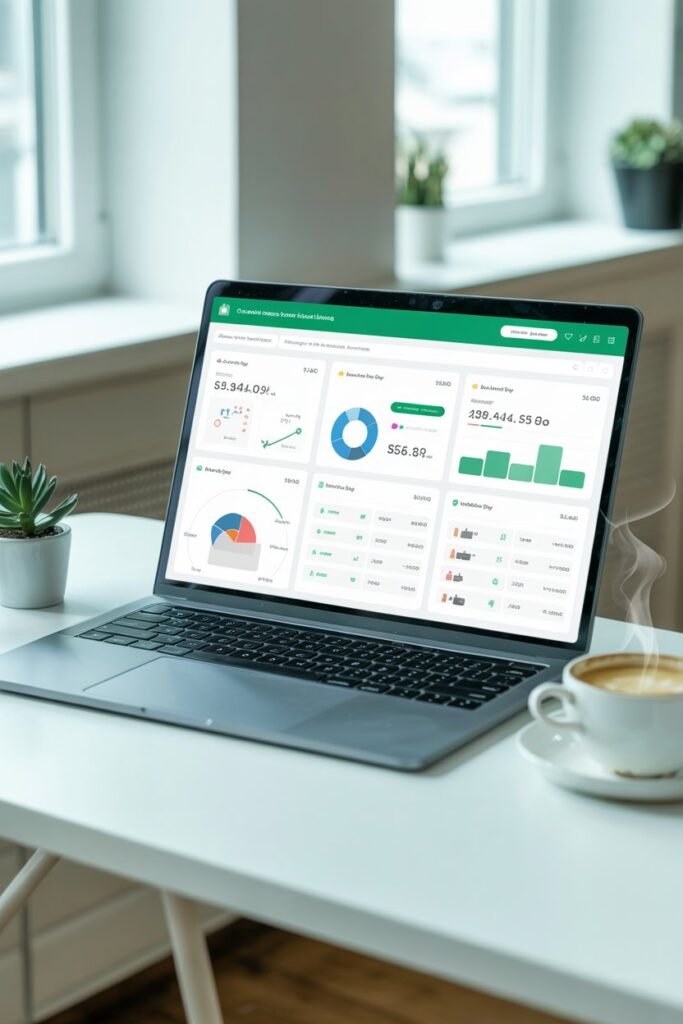
What I loved immediately was that everything is in one dashboard. Hosting, payments, checkout, themes, apps, analytics. I did not have to connect five different platforms together.
If you are just starting, that simplicity matters.
And if you are serious about growing long term, you need a platform that can scale with you instead of forcing you to rebuild later.
Shopify allows you to test your business idea without heavy upfront pressure, which is exactly what gave me the confidence to start.
Step 1: Create Your Shopify Account
The first step is simple.
Go to Shopify and create your account.
You will:
- Enter your email
- Create a password
- Choose your store name
Do not overthink your store name right now. You can refine branding later. Progress is more important than perfection.
Once you log in, you will see your dashboard. This is where everything happens.
At first, it may look overwhelming. That is normal. I felt the same way. But within 30 minutes, I understood where everything was.
On the left side, you will see:
- Products
- Orders
- Customers
- Content
- Settings
- Analytics
Everything is organized clearly.
Step 2: Choose What You Want to Sell
Before you design anything, get clear on your product.
You cannot build a strong online store without clarity.
Ask yourself:
- Who am I selling to?
- What problem am I solving?
- Why would someone choose me instead of others?
You can sell:
- Physical products
- Dropshipping products
- Print on demand items
- Digital products
- Subscription boxes
When I started, I almost tried selling too many things. That slows you down. Focus on one niche and build authority around it.
If you want lower risk in the beginning, dropshipping or print on demand can help you test without holding inventory.
Step 3: Select a Professional Theme
Inside Shopify, go to Online Store and then Themes.
You will see free themes that are clean and conversion focused. I recommend starting with a free theme first. They are fast, mobile optimized, and beginner friendly.
What to look for in a theme:
- Mobile responsiveness
- Simple layout
- Clear navigation
- Fast loading speed
- Strong product page design
Over 70 percent of ecommerce traffic comes from mobile users. If your store looks bad on a phone, you will lose sales.
Keep your design simple.
You need:
- A strong headline
- A clear call to action
- Featured products
- A short brand story
- Trust elements
Do not clutter your homepage.
Simple stores convert better.
Step 4: Add Your Products Properly
This step determines whether you make sales or not.
Go to Products and click Add Product.
For each product, include:
- Clear product title
- High quality images
- Detailed description
- Pricing
- Variants like size or color
- Shipping details
When I wrote my first product description, I made the mistake of listing features only.
Do not just say what the product is.
Explain how it helps your customer.
Instead of saying:
This bag is made of durable leather.
Say:
You can carry this bag daily without worrying about wear and tear, and it still looks stylish for work or casual outings.
Speak directly to the buyer. Use words like you and your.
That connection increases conversions.
Step 5: Set Up Payments
Shopify makes payment setup very simple.
Go to Settings and then Payments.
You can enable:
- Card payments
- Digital wallets
- Local payment methods
Follow the verification process carefully and connect your bank account.
I strongly recommend placing a test order before launching. This ensures your checkout process works smoothly.
Nothing is worse than launching and discovering your payments are not functioning.
Step 6: Configure Shipping Settings
Shipping depends on your business model.
If you are dropshipping, your supplier handles delivery times.
If you manage your own inventory, you will:
- Set shipping zones
- Choose shipping rates
- Define delivery estimates
You can offer:
- Free shipping
- Flat rate shipping
- Calculated shipping
Free shipping tends to increase conversions. If possible, include shipping cost inside your product price.
Keep it simple in the beginning. You can refine later.
Step 7: Connect a Custom Domain
Your store needs to look professional.
Instead of:
yourstore.myshopify.com
Use:
yourstore.com
Inside Shopify, you can buy and connect a domain directly.
A custom domain builds trust immediately. Customers are more likely to buy when your store looks established.
Step 8: Install Only Essential Apps
Shopify has an app store, but do not get carried away.
In the beginning, you only need:
- Email marketing integration
- Product reviews
- Abandoned cart recovery
- Basic upsell functionality
Too many apps can slow your store down.
Start lean. Add tools as your business grows.
Step 9: Optimize Your Store for SEO
If you want long term traffic, you need search engine optimization.
Here is what I personally focus on:
Optimize Product Titles
Use keywords your customers are searching for.
Write Detailed Product Descriptions
Include natural keywords but do not stuff them.
Edit Meta Titles and Descriptions
Each product and page allows you to customize this for search engines.
Create a Blog
Shopify allows you to create blog posts inside your store.
This is powerful.
You can write helpful content related to your niche and attract organic traffic from Google.
That is how you build sustainable growth instead of relying only on ads.
Step 10: Launch Even If It Is Not Perfect
This is the step where most people freeze.
Do not wait for perfection.
My first store was not perfect. But it was live.
And once it was live, I learned faster.
Announce your launch:
- Share on social media
- Tell your friends
- Start Pinterest marketing
- Post short videos
- Collect emails from day one
Momentum creates motivation.
How Much Does It Cost to Start a Shopify Store?
One thing I appreciated when starting was flexibility.
You do not need thousands of dollars to begin.
Your main expenses include:
- Shopify subscription
- Domain name
- Optional apps
- Marketing budget
The best part is that you can start building and testing your store during the introductory period before committing fully. That allows you to validate your idea with minimal risk.
If you are serious about starting today, there is no reason to delay.
Common Mistakes I Made So You Do Not Have To
Let me be honest with you.
I wasted time on:
- Over designing my homepage
- Installing too many apps
- Changing my niche too quickly
- Waiting too long to launch
What actually matters is:
- Clear product offer
- Strong product descriptions
- Clean design
- Fast checkout
- Consistent marketing
Focus on revenue generating actions.
Is Shopify Good for Beginners?
Yes.
If you can use social media, you can use Shopify.
It does not require coding knowledge. The interface is intuitive. Tutorials are available inside the dashboard. And you can manage everything from one place.
As your store grows, Shopify grows with you. That means you will not need to migrate platforms when you scale.
That stability is important if you plan to build a long term ecommerce brand.
Final Thoughts: Your Store Can Be Live Today
Starting an online store feels scary until you actually do it.
I remember staring at my screen thinking, what if this fails?
But I realized something.
Doing nothing guarantees failure.
Starting gives you a chance.
If you have been waiting for the right moment, this is it.
Create your Shopify account.
Choose your product.
Customize your theme.
Add your products.
Set up payments.
Launch.
Three months from now, you will either have data, sales, and experience.
Or you will still be thinking about starting.
I chose to start.
Now it is your turn.