Podcasting is booming — and it’s not just for celebrities or tech gurus anymore. Anyone with a message, story, or expertise can start a podcast and build an audience. Whether you want to share parenting hacks, true crime stories, budgeting tips, or interviews with inspiring people, podcasting gives you a platform to connect deeply with listeners.
But here’s the problem: most beginners overthink it. They imagine they need a professional studio, $1,000 microphones, or years of audio training. The truth? You can start a podcast with minimal gear and scale it over time.
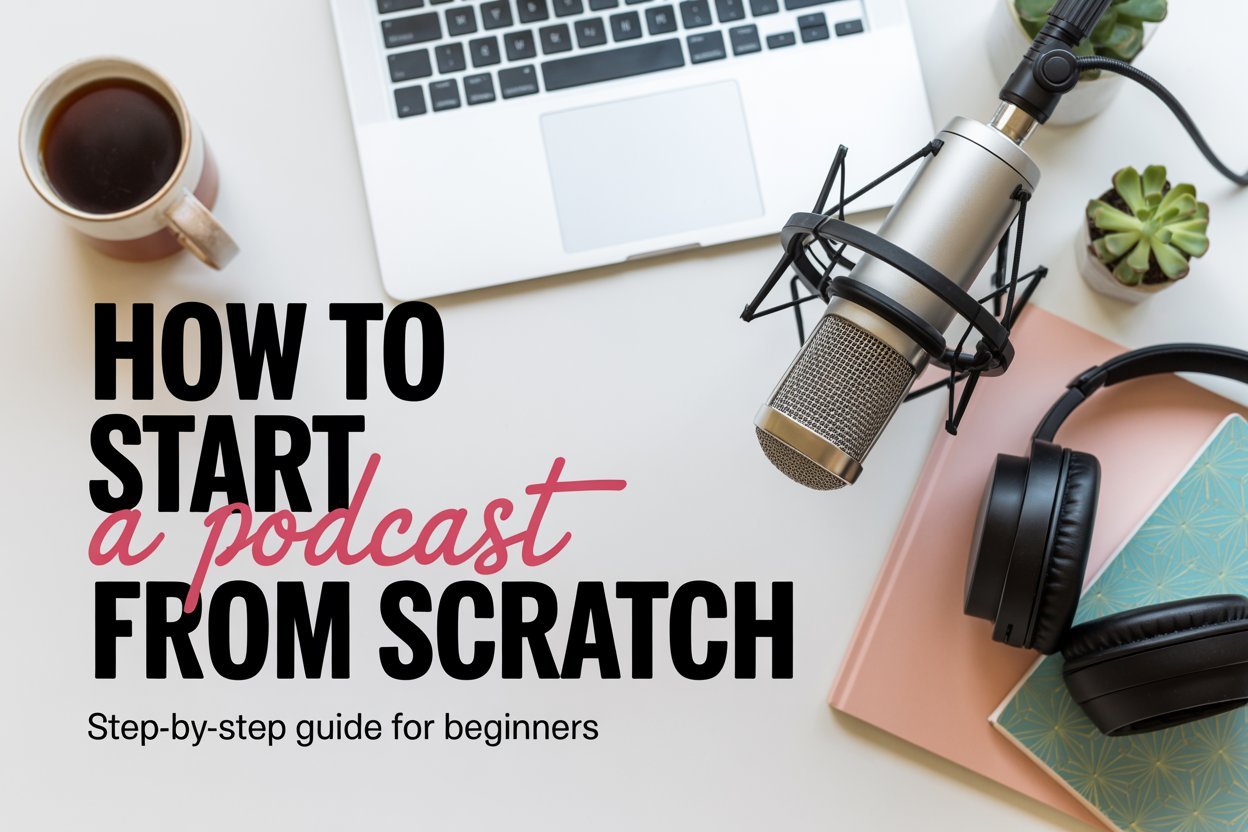
This guide will walk you through how to start a podcast from scratch — everything from choosing your niche and naming your show to recording, editing, publishing, and monetizing it. I’ll also highlight the exact tools and platforms I recommend (with links) so you don’t waste time or money on the wrong things.
Step 1: Choose Your Podcast Topic and Format
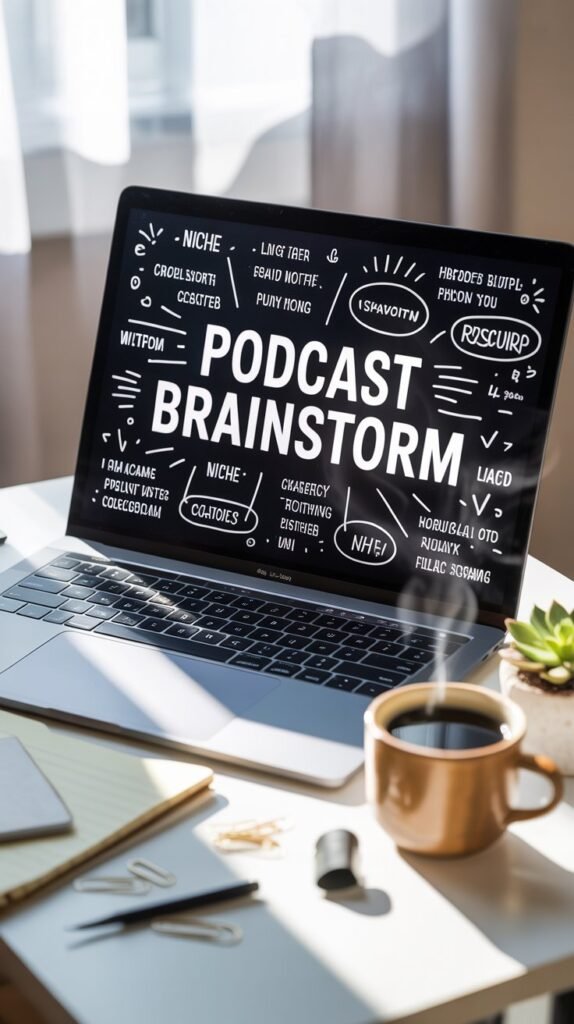
Every podcast starts with an idea. To make yours stand out:
- Pick a niche you’re excited about (business, parenting, wellness, true crime, comedy — anything works).
- Think about your audience. Who are you talking to, and why would they listen?
- Choose a format: solo episodes, co-hosted with a friend, interviews, or a mix.
- Decide on length: 20–45 minutes is a sweet spot for most beginners.
Step 2: Name Your Podcast and Create Cover Art
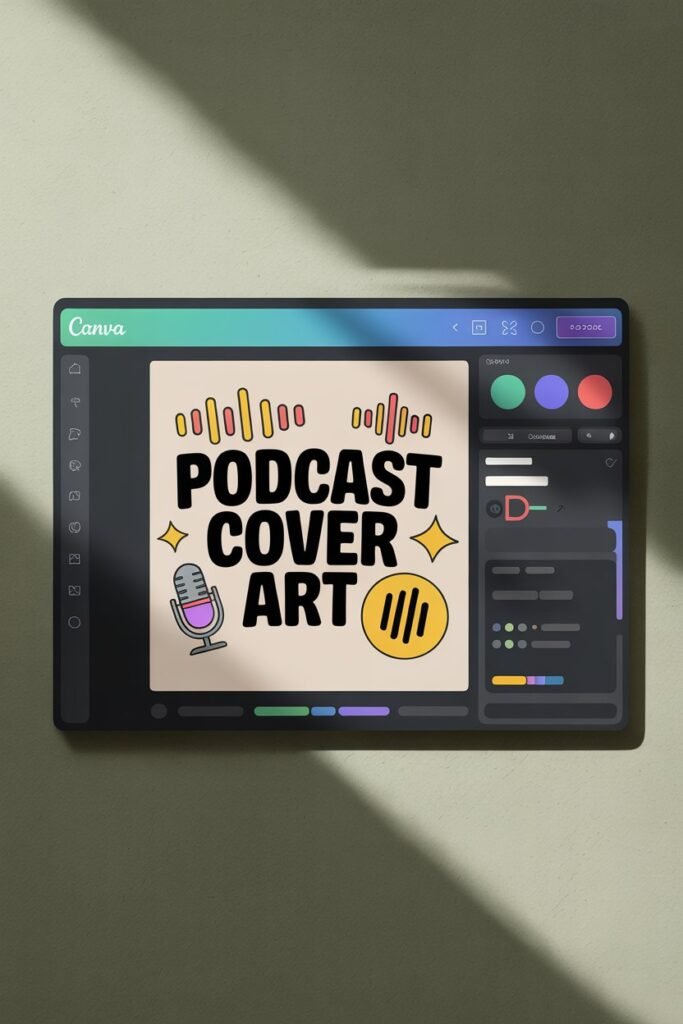
Your name and cover art are the first impressions you’ll make.
- Keep the name short, clear, and memorable.
- Use keywords so people can find you in search (example: “The Smart Money Mom Podcast” is more discoverable than “Money Chats”).
- Design cover art that’s bold and readable, even at thumbnail size (minimum 3000×3000 pixels). Tools like Canva make this easy with ready-made templates.
Step 3: Get the Right Equipment (on Any Budget)
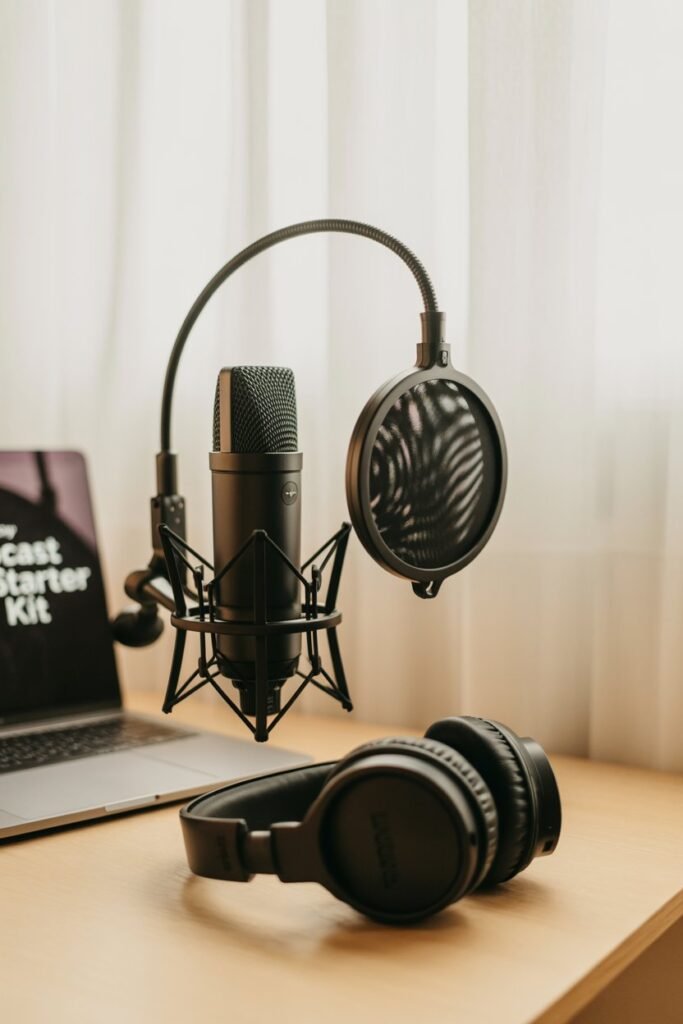
You don’t need a professional studio to sound good.
- A simple USB microphone will give you crisp audio.
- Use headphones to monitor your sound.
- Add a pop filter to cut out harsh sounds.
- Record in a quiet, soft-furnished room to minimize echo.
Start small — you can always upgrade later.
Step 4: Choose Recording and Editing Software
You’ll need software to record and clean up your audio.
- Free options include Audacity or GarageBand (Mac).
- Beginner-friendly editing platforms make things easier with drag-and-drop editing.
- For interviews, remote recording tools allow you and your guest to sound clear, even in different locations.
Step 5: Plan and Record Your First Episode
Now the fun begins.
- Write an outline with a few key points.
- Don’t script every word — it’ll sound stiff.
- Do a short test recording to check sound quality.
- Speak naturally and keep your audience in mind (imagine you’re talking to one person, not a crowd).
Step 6: Add Music, Intro, and Outro
Professional touches make your podcast stand out.
- An intro sets the tone and tells new listeners what your show is about.
- Outro music and a call-to-action (like “subscribe and leave a review”) give your show a polished finish.
- Use royalty-free music so you don’t run into copyright issues.
Step 7: Choose a Podcast Hosting Platform
A podcast host is where your episodes live. It also generates an RSS feed, which distributes your show to Spotify, Apple Podcasts, and other platforms.
Look for a host that’s beginner-friendly, reliable, and gives you analytics so you can track downloads and growth.
Step 8: Publish and Distribute Your Podcast
After uploading your first episode to your host, you’ll:
- Submit your RSS feed to Apple Podcasts (a one-time setup).
- Let your host auto-distribute to Spotify, Google Podcasts, and more.
- Verify that your podcast shows up across apps so new listeners can find you.
Step 9: Promote Your Podcast
Don’t just publish and hope people find you — promotion is key.
- Share snippets on TikTok, Instagram Reels, and Pinterest.
- Repurpose episodes into blog posts for SEO traffic.
- Build an email list so subscribers know when new episodes drop.
- Join communities in your niche and share your podcast (without spamming).
Step 10: Stay Consistent and Improve Over Time
Consistency is what separates successful podcasters from the rest.
- Stick to a release schedule (weekly or biweekly is ideal).
- Watch your analytics and adjust topics based on what your audience enjoys.
- Keep improving — better intros, smoother editing, more engaging guests.
Final Thoughts
Starting a podcast from scratch might seem overwhelming, but it’s absolutely doable — even with minimal equipment and no prior experience. The key is to start simple, stay consistent, and focus on serving your audience.
Remember: your first episodes won’t be perfect, and that’s completely fine. Every podcaster you admire started with something they’d probably cringe at today. What matters most is that you publish, learn, and grow.
So grab your mic, create your cover art, and hit record — your future listeners are waiting.
Recommended Tools & Resources
Here are tools that will make starting your podcast much easier:
- Canva Pro – For designing professional podcast cover art and episode graphics.
- Buzzsprout – Beginner-friendly podcast hosting with automatic distribution.
- Riverside.fm – High-quality remote recording for interviews.
- Descript – Edit audio like a Word doc (perfect for beginners).
- Blue Yeti USB Microphone – Reliable starter mic for clear sound.
- Audio-Technica ATH-M20x Headphones – Affordable, quality monitoring.
- Epidemic Sound – Royalty-free intro and outro music.
- MailerLite – Build an email list to grow your audience.