When I first thought about starting a podcast, I assumed it would be expensive.
Microphones, editing software, fancy setups…
It all felt like too much.
So I kept putting it off.
But once I actually looked into it, I realized something:
You don’t need a big budget to start a podcast.
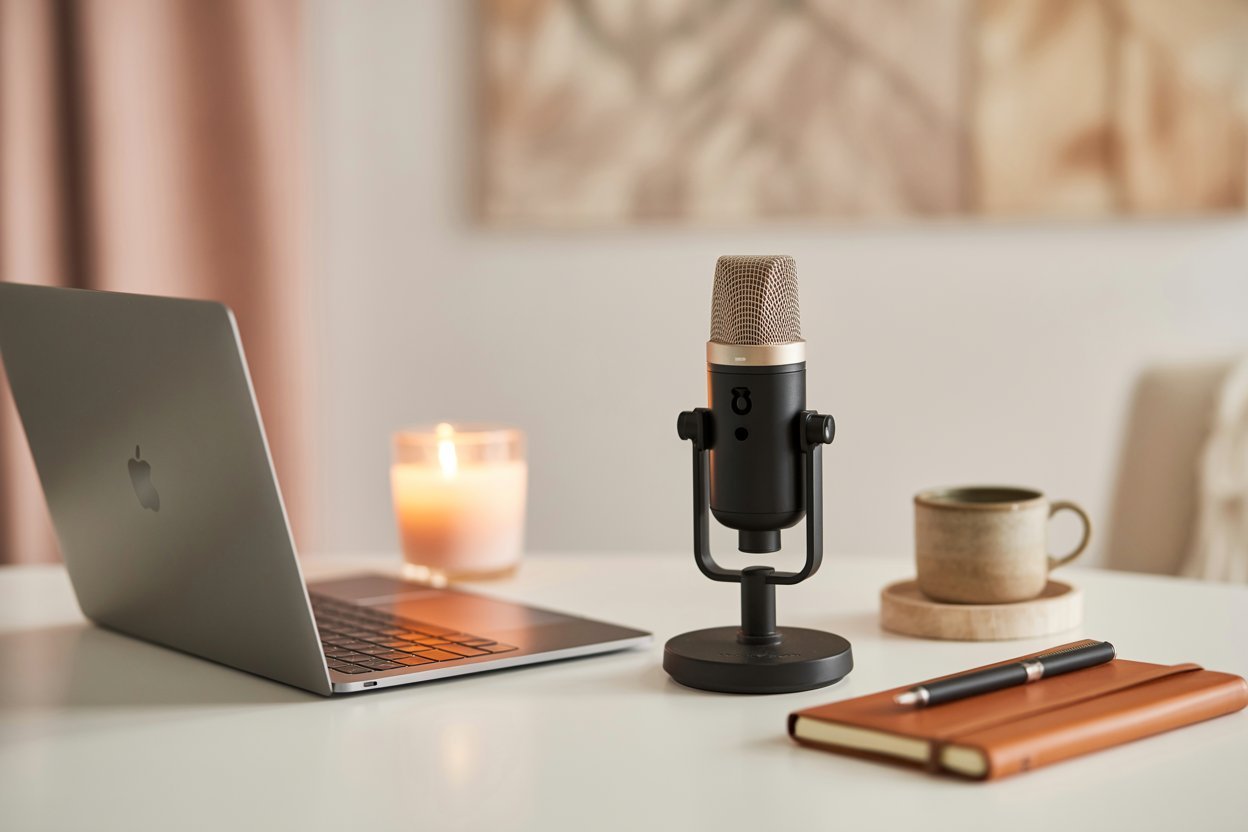
You just need a simple setup that works.
That’s exactly how I got started.
No studio.
No expensive gear.
Just a few basic tools and consistency.
And honestly, that’s all you really need.
What You Actually Need to Start (Simple Setup)
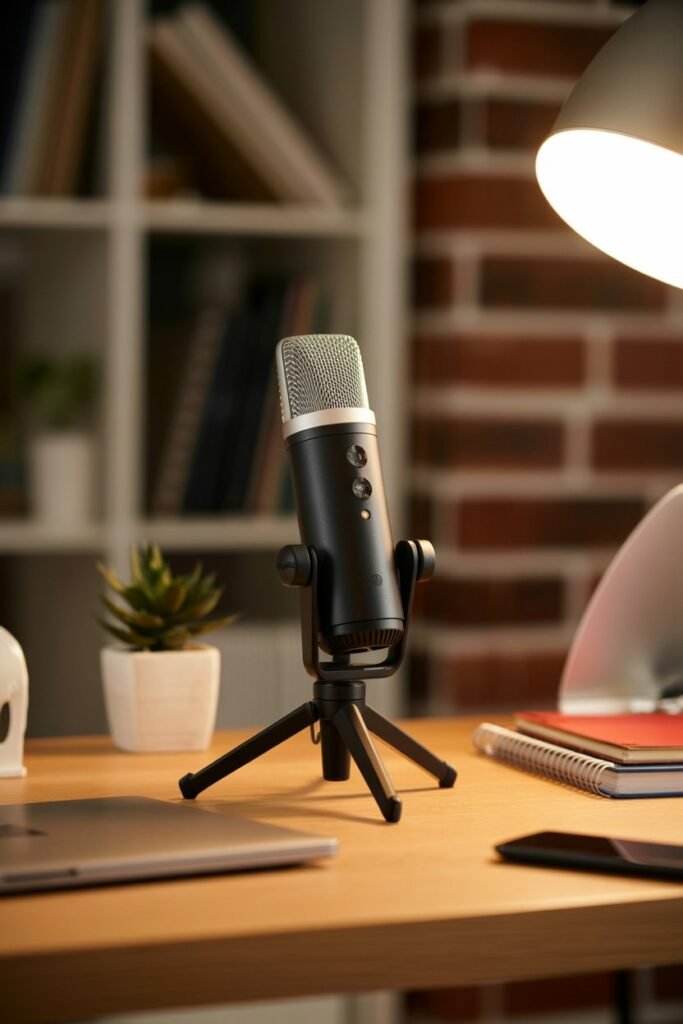
This is something I wish I knew earlier.
You don’t need a full podcast studio.
A basic setup under $100 can work perfectly.
Here’s what you actually need:
- A smartphone or laptop
- A simple microphone (or wired earphones with mic)
- Quiet space for recording
- Free recording/editing app
That’s enough to get started.
You can always upgrade later.
Heres the Tools you need under $100
Podcast Starter Tools & Products
Software (Free Tools)
- Audacity – free audio editing software
- GarageBand – for Mac users
- Canva – podcast cover art design
- YouTube Audio Library – free music for intros and outros
Website Setup (Optional but Powerful)
- Hostinger – Premium Web Hosting Plan (includes free domain + one-click WordPress install)
- WordPress – website builder
Step 1: Choose Your Podcast Topic and Format
Before you hit record, you need to figure out what your podcast is about.
Don’t overthink it — just focus on what excites you enough to talk about every week.
Here are a few quick ways to narrow it down:
- What topics do your friends ask you for advice on?
- What could you talk about for hours without getting bored?
- What kind of content do you already love listening to?
Once you’ve nailed your topic, decide on your format:
- Solo: Just you and the mic.
- Interview-style: Chat with guests or experts.
- Roundtable: A fun, conversational show with co-hosts.
- Narrative: Scripted, story-based episodes (great for storytellers).
“Stick with a format you can realistically maintain — consistency beats perfection.”
Step 2: Get Your Gear (All Under $100)
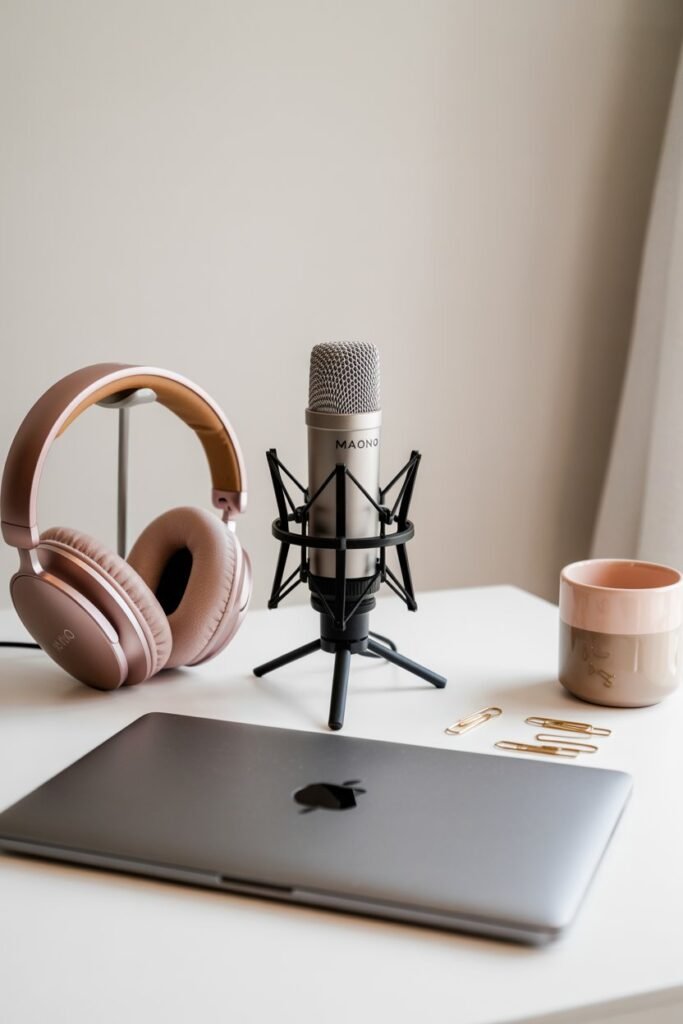
Here’s where most people get stuck — they think they need expensive microphones and studio lighting.
You don’t. You just need solid, budget gear that makes you sound professional.
The best starter microphone I personally recommend is the MAONO AU-A04 USB Condenser Microphone Kit — and it’s only $49.99 on Amazon.
It comes with everything you need to sound crystal clear:
- Adjustable boom arm stand
- Shock mount
- Pop filter
- Foam windscreen
- USB cable
You simply plug it into your laptop — no driver, no hassle.
“Good audio matters more than anything. You can forgive bad video, but never bad sound.”
What You’ll Need:
- MAONO AU-A04 USB Condenser Mic Kit –$49.99 on Amazon
- Headphones – any comfortable pair will work (you can get decent wired ones for $10–$20).
- Pop Filter – included with the mic kit.
💰 Total so far: Around $70
Step 3: Set Up Your Recording Space
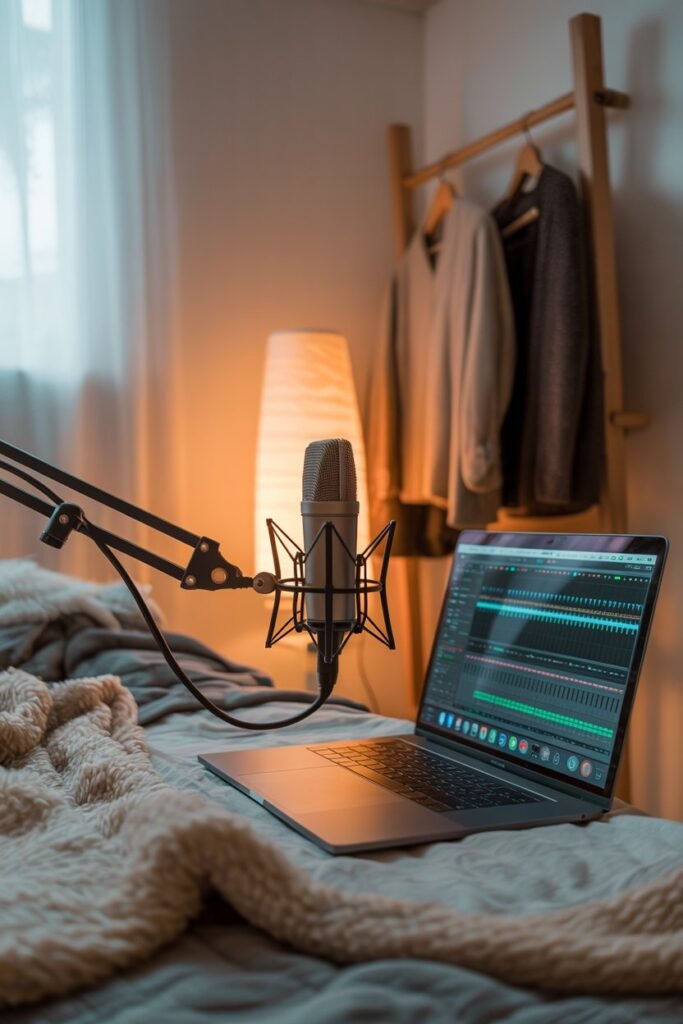
You don’t need a professional studio — you just need a quiet, echo-free corner.
A few simple hacks:
- Record in your closet or a small room with clothes around (they absorb sound!).
- Use thick blankets or pillows around your mic to reduce echo.
- Turn off noisy fans, AC, or open windows.
“Your goal isn’t silence — it’s control. Make your voice sound warm and intimate, not hollow.”
What You’ll Need:
- Quiet space
- Soft materials (blankets, clothes, rugs)
- Laptop or desktop computer
💰 Cost: Free
Step 4: Record and Edit Like a Pro (Without Paying a Dime)
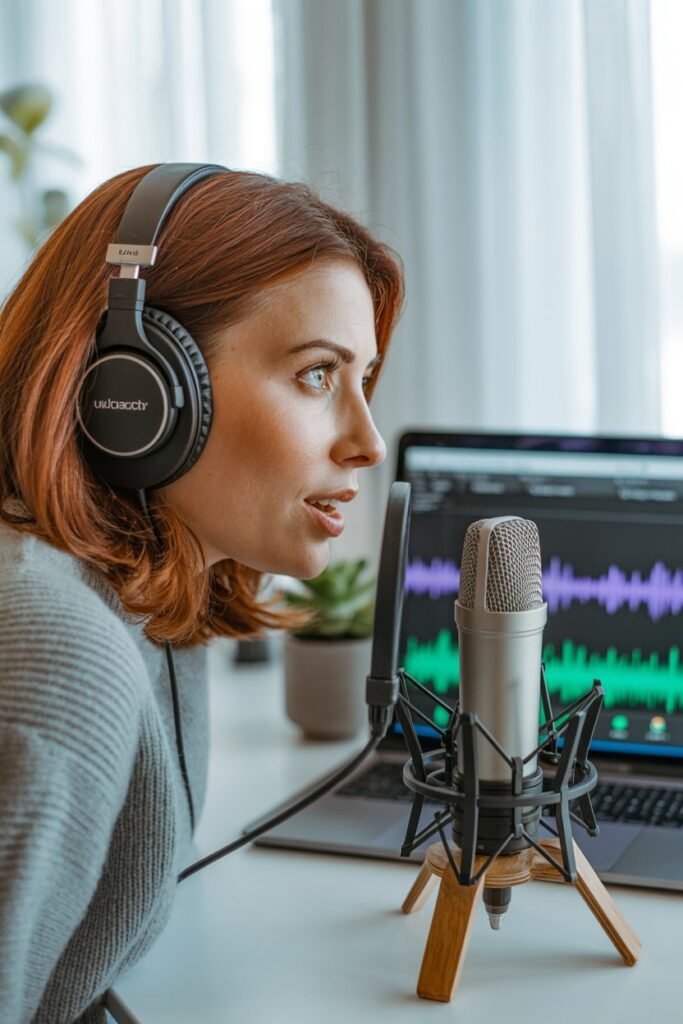
Now comes the fun part — recording!
Here are two completely free tools you can use:
- Audacity (Windows/Mac): Free and easy-to-use audio editor.
- GarageBand (Mac): Great for beginners and very intuitive.
Once you’ve recorded your episode, do a quick cleanup:
- Trim long pauses or mistakes.
- Adjust volume so it’s consistent.
- Add intro and outro music if you want (you can find free royalty-free tracks on YouTube Audio Library).
“Don’t aim for perfect. Your first few episodes are practice — just hit publish.”
What You’ll Need:
- Audacity (Free)
- Free intro music (YouTube Audio Library)
💰 Cost: $0
Step 5: Create a Podcast Website (With Hostinger)
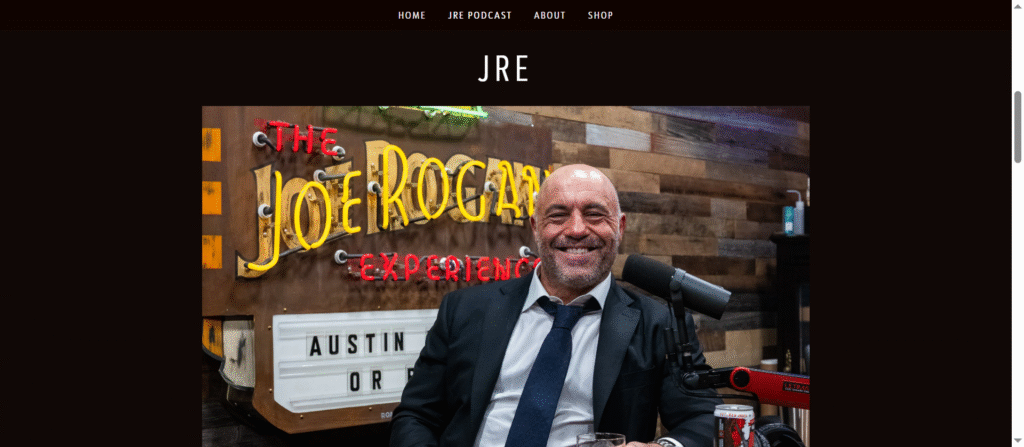
If you’re serious about growing your podcast, you need a home base — a website where people can find your episodes, show notes, and links.
The easiest and most affordable way to create one is with Hostinger.
Hostinger’s website builder is perfect for beginners — you don’t need to know any code or tech stuff.
Here’s how to do it:
- Go to Hostinger.
- Choose the Premium Web Hosting Plan — it’s usually around $2.99/month and includes a free domain name.
- Install WordPress in one click.
- Pick a free theme like “Astra” or “OceanWP.”
- Add a few pages: Home, Episodes, About, and Contact.
Now you have your own podcast website where you can embed your episodes from Spotify or Apple Podcasts.
“Owning your website means you own your audience — not just rent them from social platforms.”
What You’ll Need:
- Hostinger Premium Plan – $2.99/month (billed annually, includes free domain)
- WordPress – free
💰 Cost: Around $36 for the year
Step 6: Publish Your Podcast (For Free)
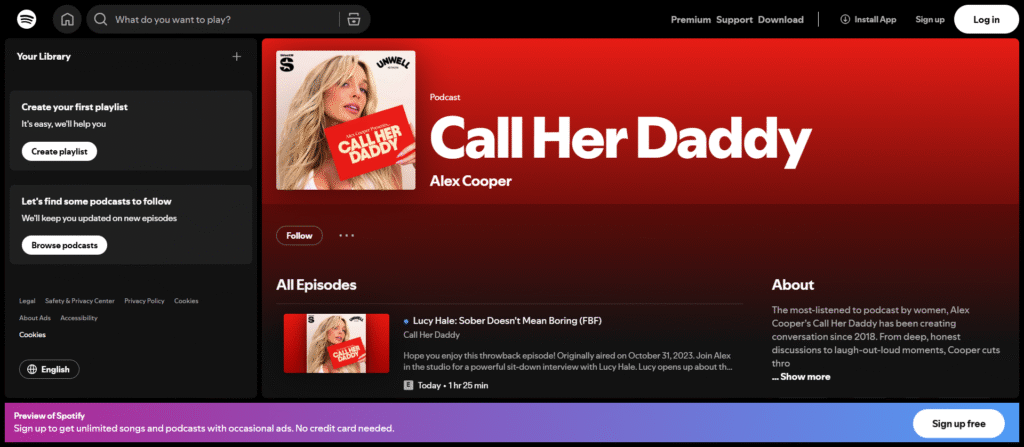
You’ve recorded your episode and have your website ready — now it’s time to publish!
Use a free podcast hosting platform like:
- Spotify for Podcasters (formerly Anchor) – 100% free and distributes your podcast to Spotify, Apple Podcasts, Google Podcasts, and more automatically.
Simply:
- Sign up for Spotify for Podcasters.
- Upload your audio file.
- Add your episode title, description, and cover art.
- Hit publish!
Within 24 hours, your show will appear on all major platforms.
“You don’t need to chase platforms — publish once, and let Spotify distribute it for you.”
What You’ll Need:
- Spotify for Podcasters (Free)
- Podcast cover art (Canva free templates)
💰 Cost: $0
Step 7: Grow Your Podcast Audience
Once your podcast is live, focus on getting listeners. Here’s how:
- Post clips on social media (Instagram Reels, TikTok, YouTube Shorts).
- Ask your guests to share their episode.
- Create Pinterest pins that link to your podcast website.
- Collect listener emails on your Hostinger site with a free plugin like MailPoet.
“Growing a podcast is about building trust — not chasing followers.”
Final Cost Breakdown
| Item | Description | Price |
|---|---|---|
| MAONO AU-A04 Mic Kit | Professional USB condenser mic | $49.99 |
| Headphones | Basic wired headphones | $15 |
| Hostinger Website Plan | Includes free domain & hosting | $36 |
| Software & Tools | Audacity, Spotify for Podcasters, Canva | Free |
| Total | $100 (or less!) |
Final Thoughts
What I realized is this:
You don’t need a perfect setup to create good content.
You just need the right tools that make things easier.
Once I stopped overcomplicating everything and focused on the basics:
- My content improved
- Filming became easier
- And I felt more confident posting
Start simple.
Build as you grow.
That’s what actually works.