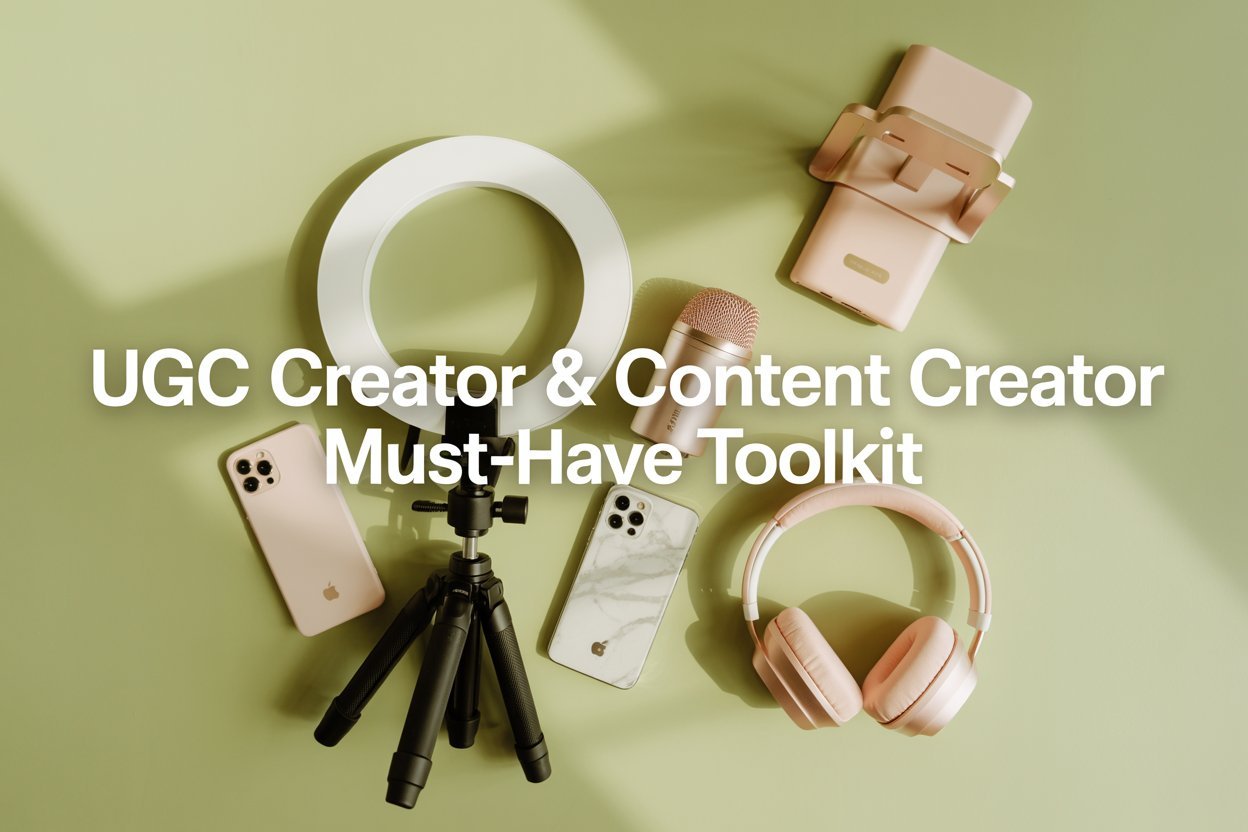
When I first started creating content, I genuinely thought all I needed was a good idea and my phone.
That was it.
But after a while, I started noticing something frustrating.
No matter how good my ideas were, my content didn’t look the way I wanted it to.
The lighting felt off.
The videos looked a bit shaky.
And the audio just didn’t sound clean.
It made everything feel less polished… even when I put in the effort.
That’s when I realized something important:
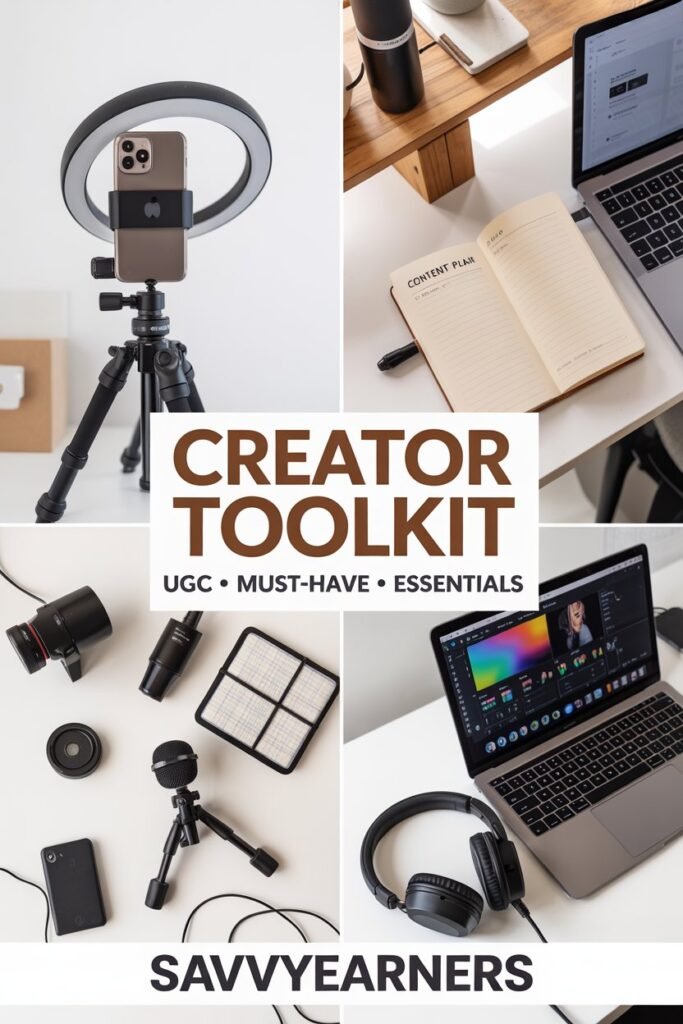
Content quality isn’t just about creativity.
It’s also about the tools you use.
And the right tools don’t just make your content look better.
They make the entire process easier, faster, and way less stressful.
That’s exactly why I put this toolkit together.
These are simple, beginner-friendly tools that help you:
- Improve your content quality instantly
- Save time while filming
- And feel more confident showing up consistently
Why UGC Creators Need the Right Tools
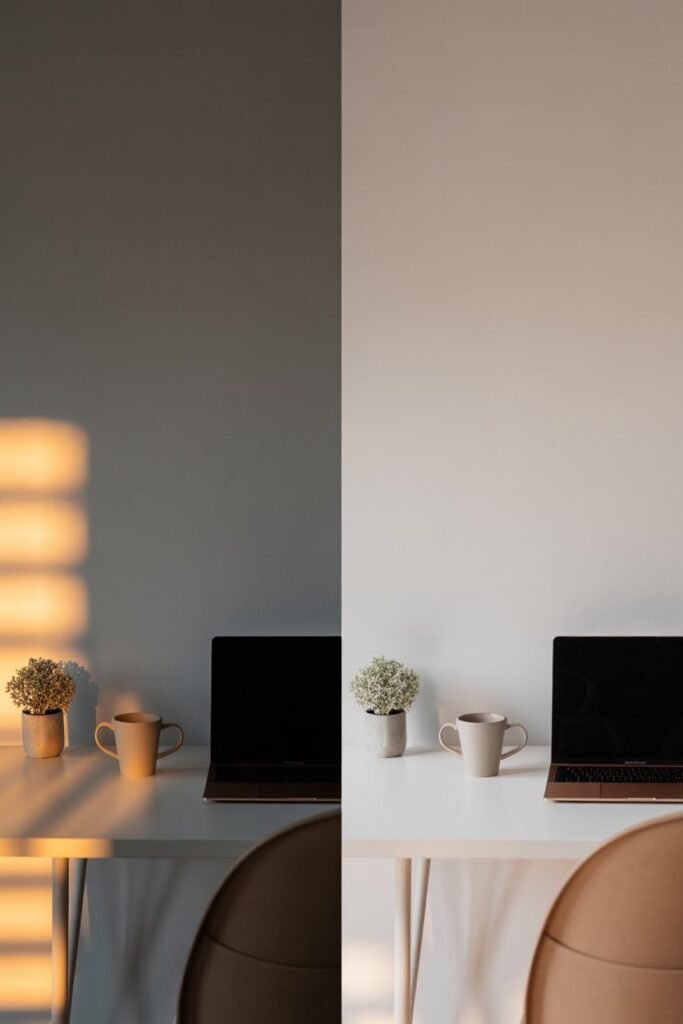
If you’re creating UGC or posting content online, quality matters more than you think.
It doesn’t have to be perfect.
But small things make a big difference.
Things like:
- Good lighting
- Stable camera angles
- Clear, easy-to-hear audio
These are the details that make people stop scrolling and actually watch your content.
I noticed that once I improved just one or two of these areas, my content immediately felt more “put together.”
Not more complicated.
Just better.
And that’s the goal.
You don’t need a full studio.
You just need a setup that works for you.
What Makes a Good Content Creation Tool
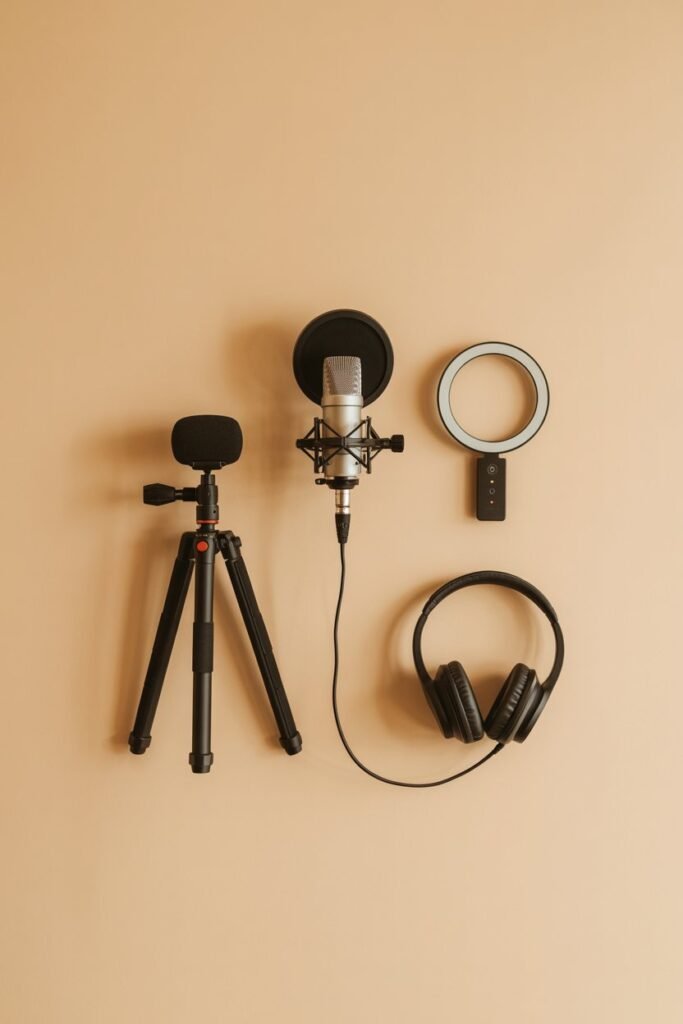
This is something I wish I understood earlier.
Not every tool is worth buying.
Some look good but don’t actually make your life easier.
The tools that are actually useful usually have a few things in common:
- They are simple to use (no complicated setup)
- They solve one clear problem
- They don’t slow you down
- And you can use them consistently
That’s what makes them worth it.
Because the goal isn’t to collect tools.
It’s to make creating content easier.
1. Remote-Controlled Adjustable Lighting Kit
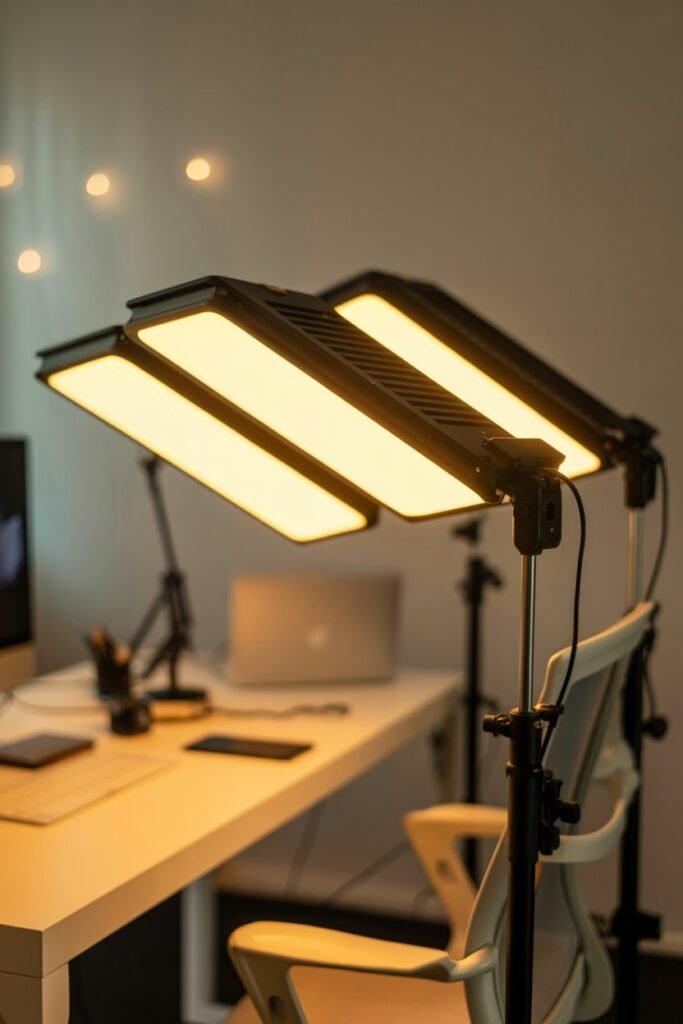
If there’s one upgrade that makes the biggest difference, it’s lighting.
I didn’t realize this at first, but lighting can completely change how your content looks.
Why It’s Useful
- Brightens your content instantly
- Works in any environment (day or night)
- Adjustable brightness and tones
How It Helps Your Content
Good lighting removes shadows, improves clarity, and makes your videos look cleaner and more professional.
Even simple content feels higher quality.
2. Portable Tall Tripod with Bluetooth Remote
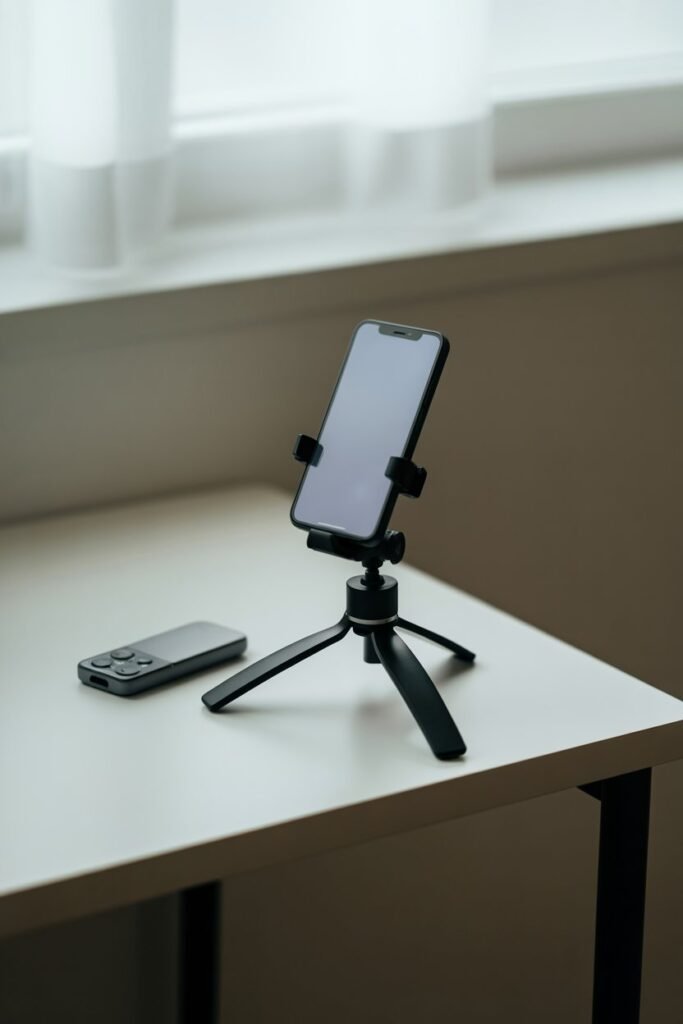
This is one of the most practical tools you can have.
It sounds simple, but it changes everything.
Why It’s Useful
- Keeps your phone stable while filming
- Allows hands-free recording
- Bluetooth remote makes filming easier
How It Helps Your Content
No more shaky clips or awkward angles.
You can set up your shot once and focus on actually creating instead of adjusting your phone constantly.
3. Multifunctional Wired Headphones with Mic
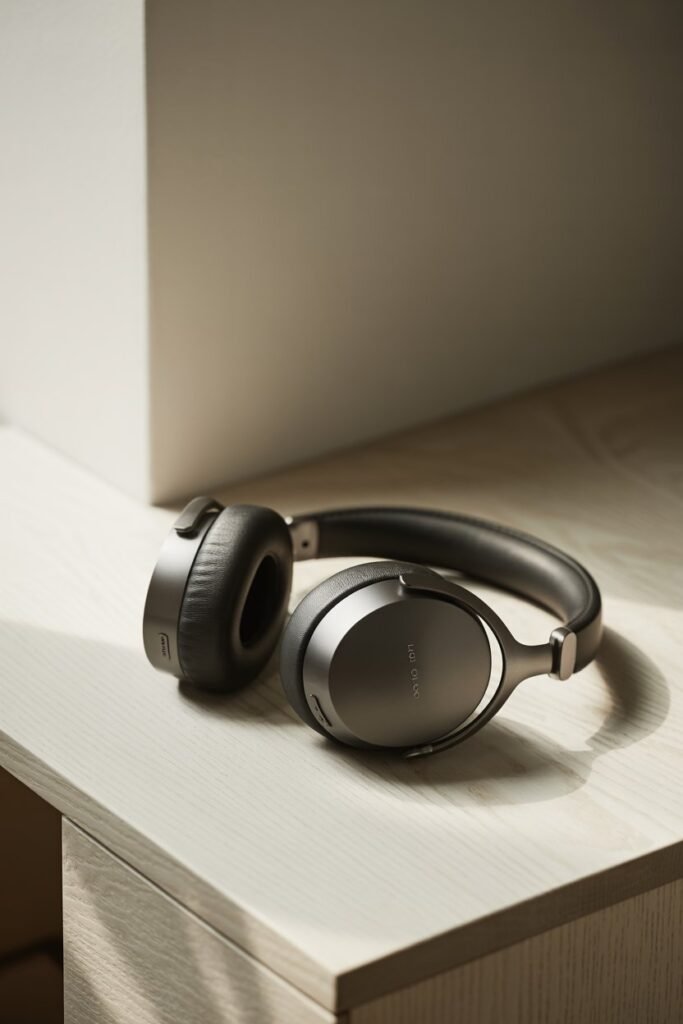
Audio is something I completely underestimated when I started.
But it matters more than you think.
Why It’s Useful
- Improves sound clarity
- Works for recording and editing
- Simple and reliable setup
How It Helps Your Content
Clear audio makes your content easier to listen to and more enjoyable overall.
Even basic videos feel more professional when the sound is clean.
4. Mirror & Shower Phone Holder
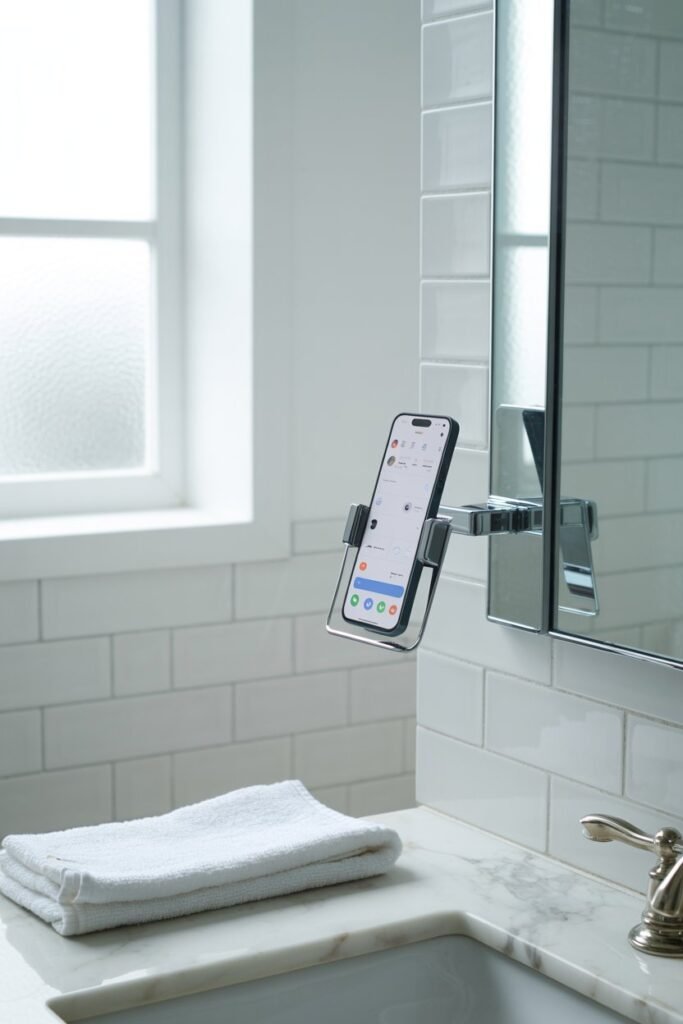
This is one of those tools that seems small but makes a big difference.
Especially for lifestyle or daily routine content.
Why It’s Useful
- Lets you film in different locations
- Hands-free setup
- Easy to attach and remove
How It Helps Your Content
You can create more natural, everyday content without setting up a full filming space every time.
It makes content feel more real and less staged.
5. Wireless Microphones with Universal Receiver
This is one of those upgrades that instantly changes how your content feels.
I didn’t realize how important audio was until I actually used one.
Why It’s Useful
- Captures clear sound even from a distance
- Reduces background noise
- Works well for talking videos, voiceovers, and UGC
How It Helps Your Content
Clear audio makes your content easier to watch and more professional.
People are more likely to stay engaged when they can hear you properly without distractions.
6. Portable Clip-On LED Light
If you don’t want a full lighting setup, this is one of the easiest alternatives.
Small, simple, and surprisingly effective.
Why It’s Useful
- Adds instant brightness anywhere
- Clips directly onto your phone
- Lightweight and easy to carry
How It Helps Your Content
Perfect for quick filming when lighting isn’t ideal.
It helps you stay consistent even when your environment isn’t perfect.
7. Phone USB Flash Drive
This is one of those tools you don’t think about until you run out of storage mid-recording.
And that happens more often than you’d expect.
Why It’s Useful
- Frees up space on your phone
- Lets you save and transfer content easily
- Quick and simple to use
How It Helps Your Content
You can keep creating without constantly deleting files or worrying about storage limits.
It removes a major hidden frustration.
8. Advanced Noise Cancellation USB Microphone
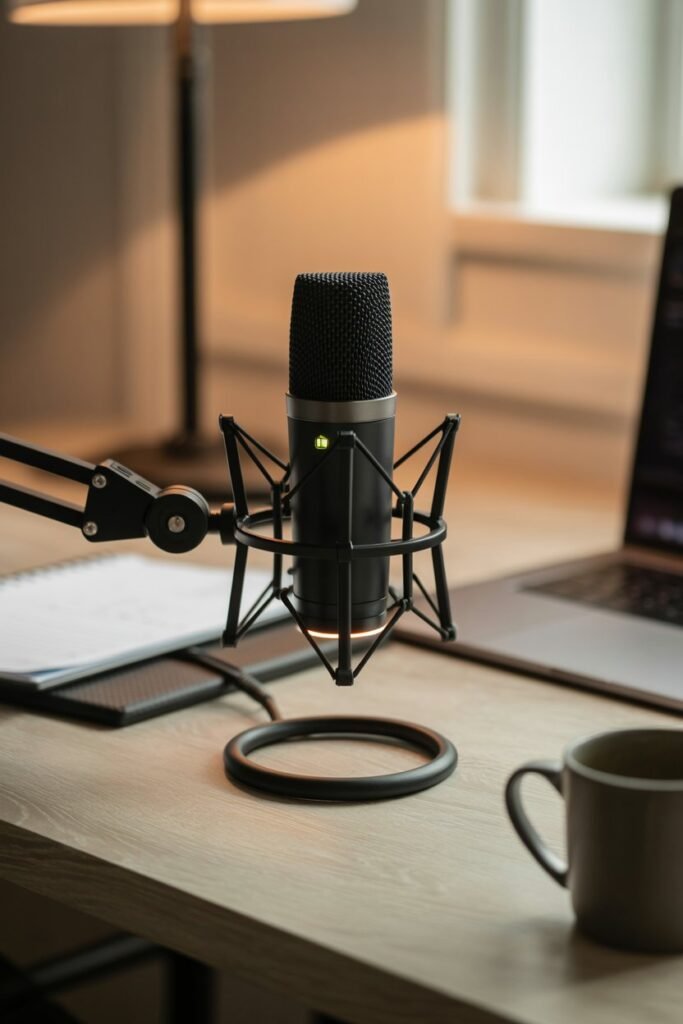
If you want to take your content a step further, this is a strong upgrade.
Especially for voice-focused content.
Why It’s Useful
- High-quality audio recording
- Reduces background noise
- Ideal for voiceovers, podcasts, and longer videos
How It Helps Your Content
Your content sounds cleaner, clearer, and much more polished.
It adds a more professional feel without complicated setup.
How I Actually Use These Tools (Simple Setup)
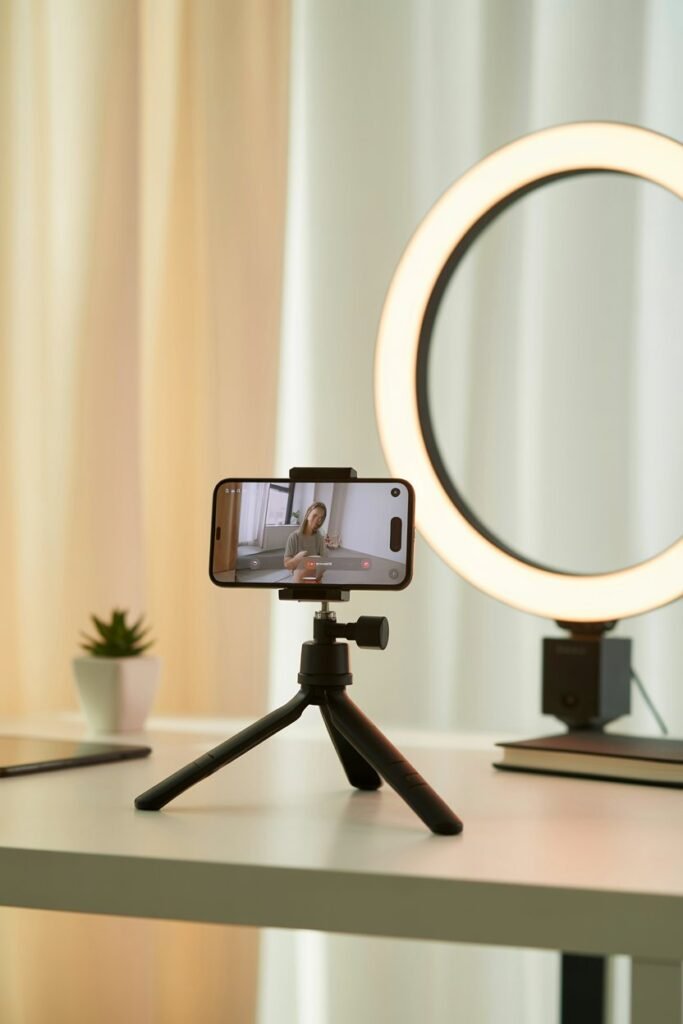
When I first got these tools, I thought I needed to use everything at once.
But that’s not what actually worked.
I kept my setup simple.
Most of the time, I just use:
- My phone
- A tripod
- One light source
- A mic if I’m speaking
That’s it.
Keeping things simple made it easier to stay consistent instead of overwhelmed.
My Simple Beginner Setup
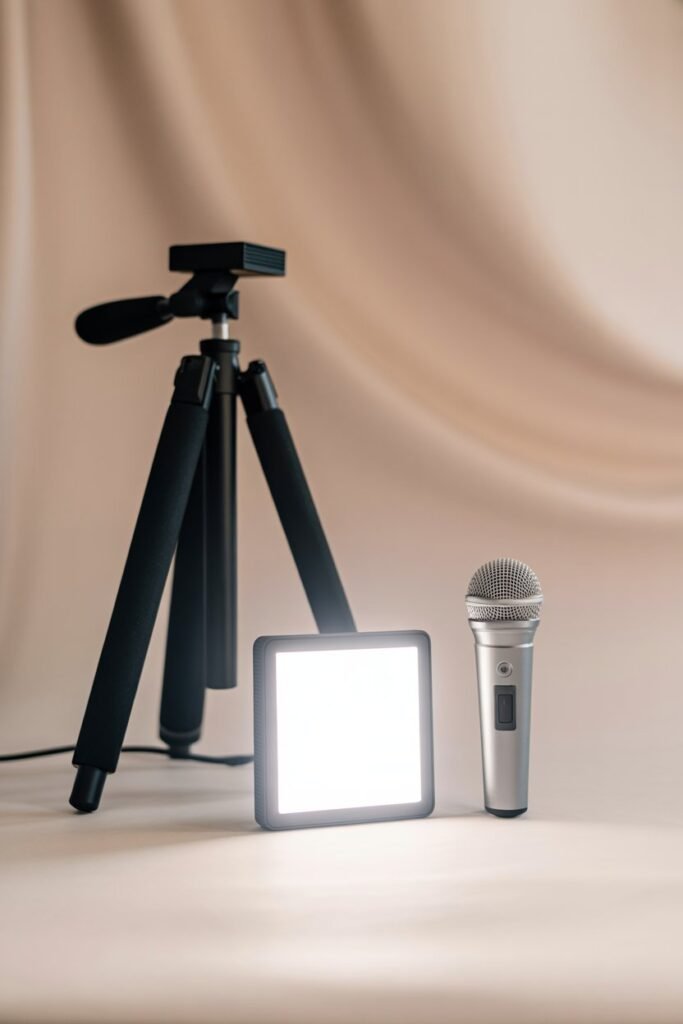
If you’re just starting, you don’t need everything on this list.
A simple setup works best:
- Tripod
- Basic lighting (clip-on or light kit)
- Simple microphone
That combination alone can completely upgrade your content.
You can always build from there later.
What I Would Buy First (If I Had to Start Again)
If I had to start over, I wouldn’t try to get everything at once.
I’d focus on what makes the biggest difference first:
First → Lighting
Second → Tripod
Third → Microphone
Those three alone can change how your content looks and feels.
Everything else is just an extra upgrade.
Who This Toolkit Is Perfect For
This setup works really well for:
- Beginner content creators
- UGC creators
- TikTok and Instagram creators
- Lifestyle, vlog, or talking content
You don’t need a studio.
You just need a simple system that works for you.
What Makes Content Look More Professional
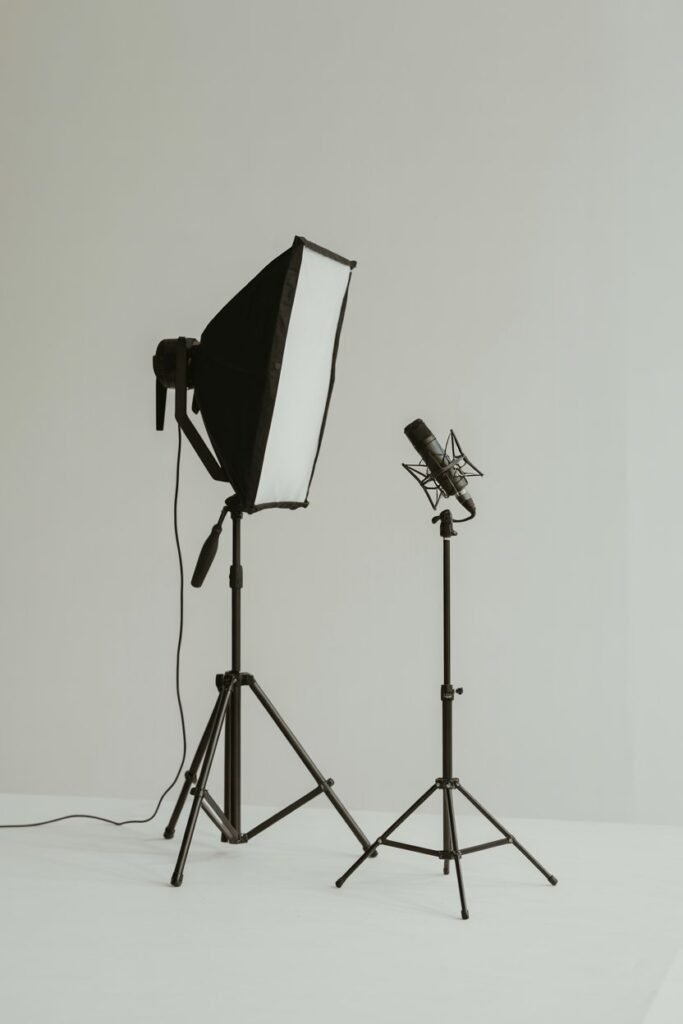
From my experience, professional-looking content comes down to a few simple things:
- Good lighting
- Stable camera
- Clear audio
That’s it.
Not expensive gear.
Not complicated setups.
Just getting the basics right consistently.
FAQ: Content Creator Tools
Do I need all these tools to start?
No. You can start with just your phone and add tools over time. Focus on what improves your biggest problem first.
What should I buy first as a beginner?
Lighting is usually the best first upgrade. It makes the biggest visible difference right away.
Are expensive tools necessary?
Not at all. Simple, affordable tools can work just as well if you use them properly.
Can I create good content at home?
Yes. Most of these tools are designed for small spaces and home setups.
Final Thoughts
What I realized is this:
You don’t need a perfect setup to create good content.
You just need the right tools that make things easier.
Once I stopped overcomplicating everything and focused on the basics:
- My content improved
- Filming became easier
- And I felt more confident posting
Start simple.
Build as you grow.
That’s what actually works.